 Published on
 AuthorPublished onAuthor
In this blog, we will discuss how to import Java classes, call Java functions, instantiate Java classes that are present in our Mule project through DataWeave. We can only call Static methods via DataWeave (methods that belong to a Java class, not methods that belong to a specific instance of a class).
Note- The Listener configuration we’ll be using in all the examples is:

Step 1: Create a Mule project named call-static-method-from-java-class.
Step 2: Create a Java class named NumberToBaseThirtySixString under base.thirtysix.string package inside src/main/java folder.

Step 3: Create a mule flow in which we will actually call the static function present inside our Java class.

Listener Path:

Transform Message Configuration:
Before calling the static function in our DataWeave code, we need to import the Java class in which that function is present. For importing a Java class in our DataWeave code, we use the syntax –
import java! followed by a fully-qualified class name. For example, here we will import our Java class with import java!base::thirtysix::string::NumberToBaseThirtySixString.

Postman Output:

2. Calling a Java static method through DataWeave in a single line:
Listener Path:

Transform Message Configuration:
In this method, there is no need to import the java class separately and then call the static method. We can call the static method through a single line.

Postman Output:

3. Instantiate a Java class in DataWeave:
Step 1: Create a Mule project named instantiate-a-java-class-in-DataWeave
Step 2: Create a Java class named Student under com.student package inside src/main/java folder.

Step 3: Create a mule flow in which we will instantiate our Java class.

Listener Path:

Transform Message Configuration:
In this DataWeave code, we are instantiating the Student class. The instances of the java classes created in our DataWeave code can refer to the instance variables but not instance methods. To instantiate our Java class, we need to follow these steps:
Step 1: Import our class in the DataWeave code.
Step 2: Create its instance using the ‘new’ keyword.

Postman Output:

4. Call instance methods through DataWeave:
Listener Path:

Transform Message Configuration:

Postman Output:

Hence this output shows that we can’t access instance methods in DataWeave.
Every technology platform eventually evolves. The organizations that realize the greatest value are not the ones that migrate first they are the ones that use the transition to rethink how their business operates. That is exactly where many organizations find themselves today as they plan their move from Salesforce CPQ to Agentforce Revenue Management. The… Continue reading CPQ to Agentforce Revenue Management: Why Your Next Migration Should Start with Business Strategy, Not Configuration
Every technology platform eventually evolves. The organizations that realize the greatest value are not the ones that migrate first they are the ones that use the transition to rethink how their business operates. That is exactly where many organizations find themselves today as they plan their move from Salesforce CPQ to Agentforce Revenue Management. The… Continue reading CPQ to Agentforce Revenue Management: Why Your Next Migration Should Start with Business Strategy, Not Configuration
Salesforce and MuleSoft integrations are often presented as straightforward connector setups but the real complexity lies in authentication design and access control. This guide walks through a clean, production-ready approach to setting up a secure integration between Salesforce and MuleSoft. Why This Matters More Than Ever With recent updates in Salesforce, basic authentication is being… Continue reading Integrating Salesforce with MuleSoft: A Practical Guide
Salesforce and MuleSoft integrations are often presented as straightforward connector setups but the real complexity lies in authentication design and access control. This guide walks through a clean, production-ready approach to setting up a secure integration between Salesforce and MuleSoft. Why This Matters More Than Ever With recent updates in Salesforce, basic authentication is being… Continue reading Integrating Salesforce with MuleSoft: A Practical Guide
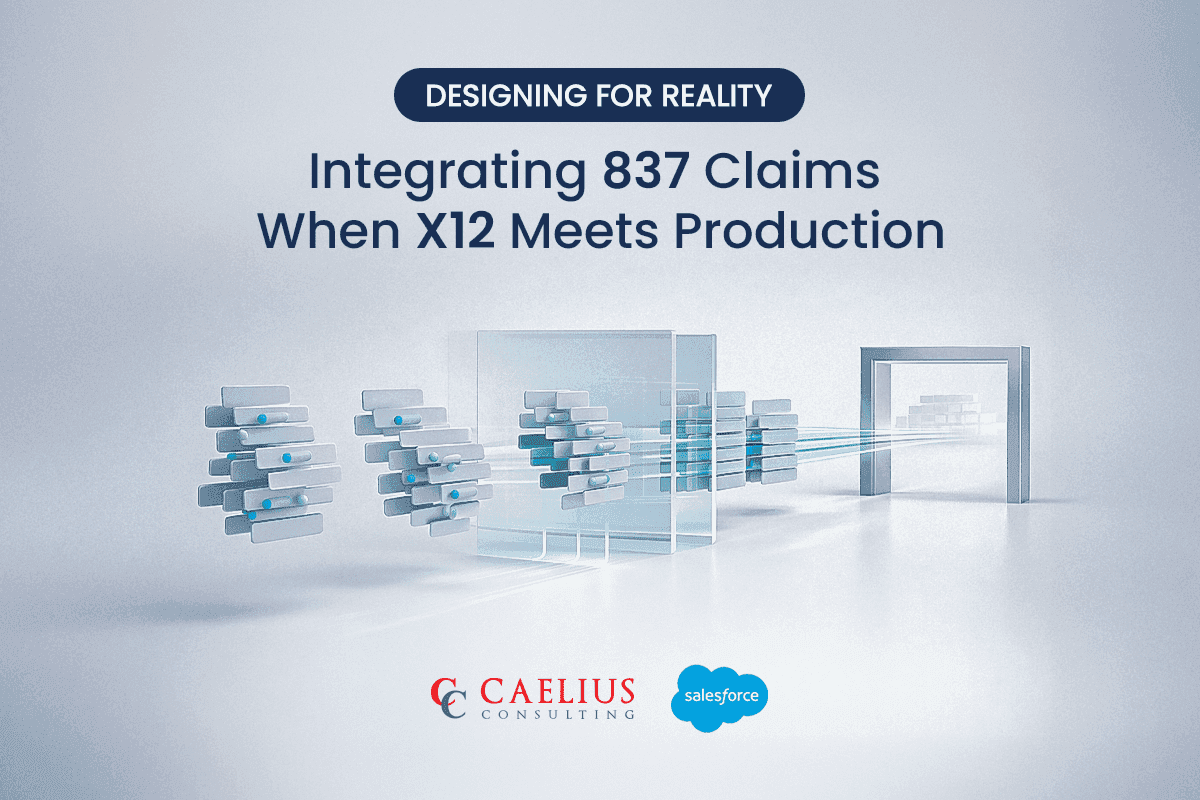
Designing 837 Claim Integration for Real-World Healthcare Systems When it comes to 837 claim integration, most architects assume the X12 specification guarantees predictability. On paper, the 837 Professional, Institutional, and Dental transactions look clean and orderly. In production? Not even close. Real-world 837 files behave differently across trading partners. Loops appear conditionally. Repeatable segments shift… Continue reading Designing for Reality: Integrating 837 Claims When X12 Meets Production
Designing 837 Claim Integration for Real-World Healthcare Systems When it comes to 837 claim integration, most architects assume the X12 specification guarantees predictability. On paper, the 837 Professional, Institutional, and Dental transactions look clean and orderly. In production? Not even close. Real-world 837 files behave differently across trading partners. Loops appear conditionally. Repeatable segments shift… Continue reading Designing for Reality: Integrating 837 Claims When X12 Meets Production
Introduction For the current digital ecosystem, data is an important aspect for decision-making. Yet, for many organizations, a significant portion of this valuable data remains locked away in unstructured formats. Organizations handle thousands of PDF documents daily — ranging from contracts and invoices to lab reports, quotations, and service agreements. Traditionally, extracting structured data from… Continue reading AI-Driven PDF Parsing in Salesforce
Introduction For the current digital ecosystem, data is an important aspect for decision-making. Yet, for many organizations, a significant portion of this valuable data remains locked away in unstructured formats. Organizations handle thousands of PDF documents daily — ranging from contracts and invoices to lab reports, quotations, and service agreements. Traditionally, extracting structured data from… Continue reading AI-Driven PDF Parsing in Salesforce